Logo Artwork Guidelines
To help your logo look its best online and on large banners, we ask that all sponsors provide their artwork in vector format. Preferred file types include .AI (Adobe Illustrator), .EPS, .SVG, or .PDF.
Note: If you’re providing a PDF, please make sure the logo inside it is truly vector-based, not a raster image placed within the file.
If your logo includes typed text, please convert the font to outlines (or “render” the text) before sending it. This turns the letters into shapes so the logo displays exactly as you designed it—even if we don’t have your specific font installed.
Please provide your logo version that is on a white background, as it will be used on both our website and event banners. If you’re submitting a custom banner and would like to use a darker or non-white background, please contact us first so we can discuss the best options.
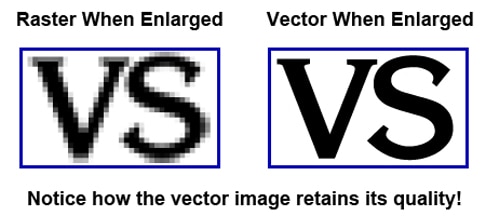
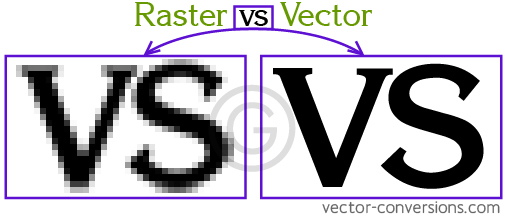
Files such as .JPG, .PNG, .GIF, .BMP, or .TIFF won’t work because they’re raster images—made of pixels that can look blurry when resized. Vector files are built from shapes and lines, so they stay crisp and clear at any size.
If you’re not sure which type of logo you have, no worries! Your designer or print shop should be able to provide a vector version.
Questions? Contact Sponsorship@